


Download Samsung Music APK – Free Multimedia App, Audio Player, Music Management, Spotify Integration, Samsung Devices
Overview
Samsung Music is a dedicated audio player application developed specifically for Samsung Android devices. Designed to enhance the music listening experience, it serves as a central hub for managing and enjoying personal music libraries. The app supports a broad range of audio formats, including MP3, WMA, AAC, and FLAC, enabling users to play diverse file types without conversion. It offers intuitive organization of tracks through categorization by artist, album, genre, and playlist, streamlining access to favorite music. The application is particularly tailored for Samsung users, integrating seamlessly with the brand’s ecosystem to deliver a cohesive experience across devices.
Its core purpose lies in simplifying music management while providing rich playback functionality. Target users include Samsung smartphone and tablet owners who value efficient music organization, high-quality audio playback, and access to curated content. The app also supports data reading from SD cards, allowing users to store and access large music collections externally. With built-in Spotify integration, users can explore new music, access personalized recommendations, and enjoy playlists from a vast library—though full access to Spotify’s features requires a Premium subscription. The developer did not provide additional details about the company background or broader platform support.
Key Features & Capabilities
- Multi-Format Audio Support – Plays MP3, WMA, AAC, and FLAC files, ensuring compatibility with most common music formats.
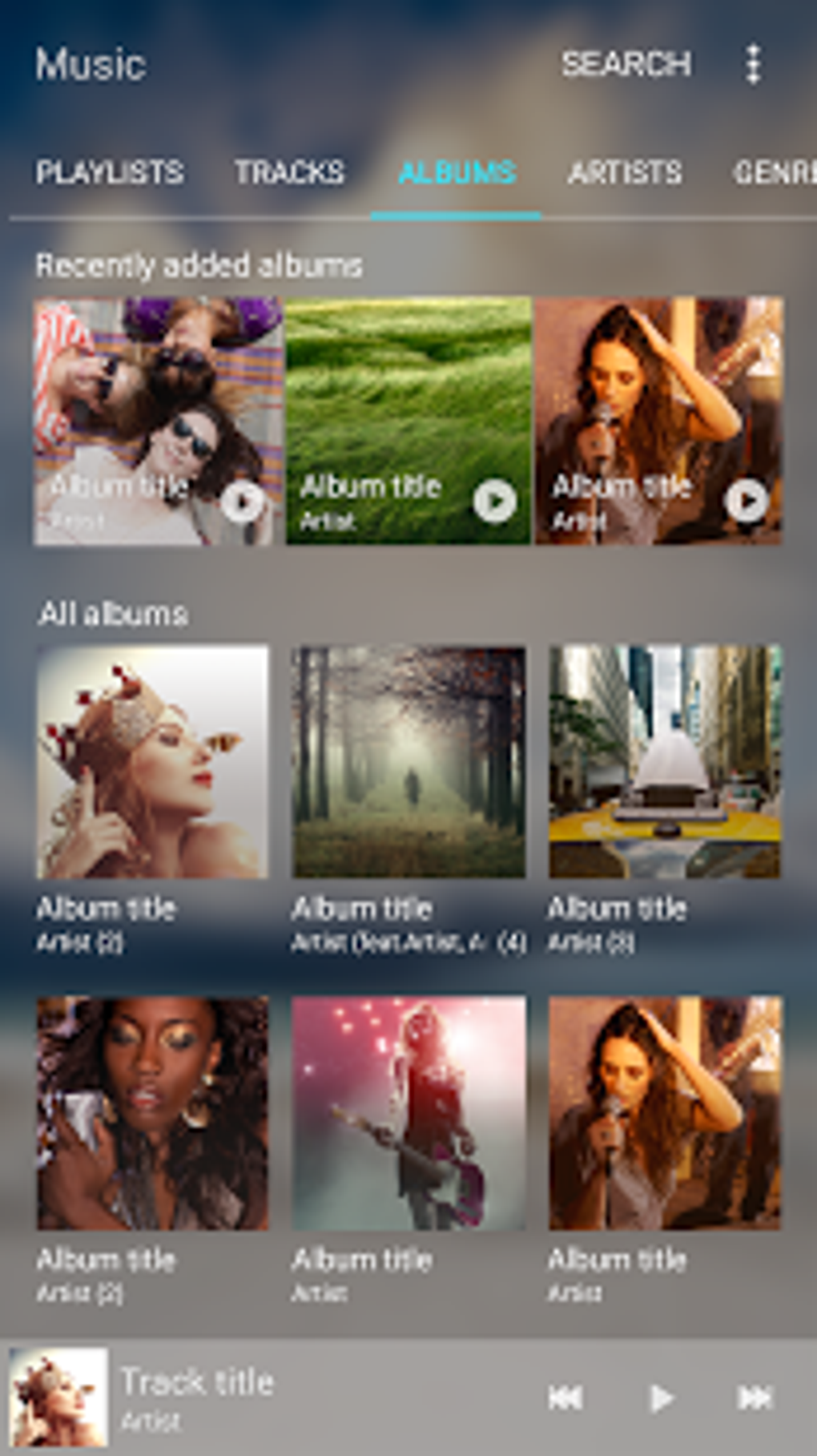
- Smart Music Organization – Automatically categorizes tracks by artist, album, genre, and playlist for efficient navigation.
- Playlist Management – Enables users to create, edit, and reorder playlists using a drag-and-drop interface.
- Spotify Integration – Allows access to Spotify’s library, curated playlists, and personalized recommendations within the same app.
- SD Card Compatibility – Supports reading audio files stored on external SD cards for expanded storage capacity.
- Hands-Free Voice Control – Available on select devices like Galaxy S4, Note3, and Note4, enabling voice commands to control playback.
These features collectively enhance the user experience by reducing friction in music discovery and playback. For instance, users can quickly build custom playlists for different moods or occasions using the drag-and-drop functionality. The integration with Spotify complements personal libraries by introducing algorithm-driven recommendations. On supported devices, voice control allows for safer, hands-free operation while driving or multitasking. The developer did not specify performance benchmarks or advanced playback features such as equalizers or gapless playback.
User Interface, Workflow & Performance
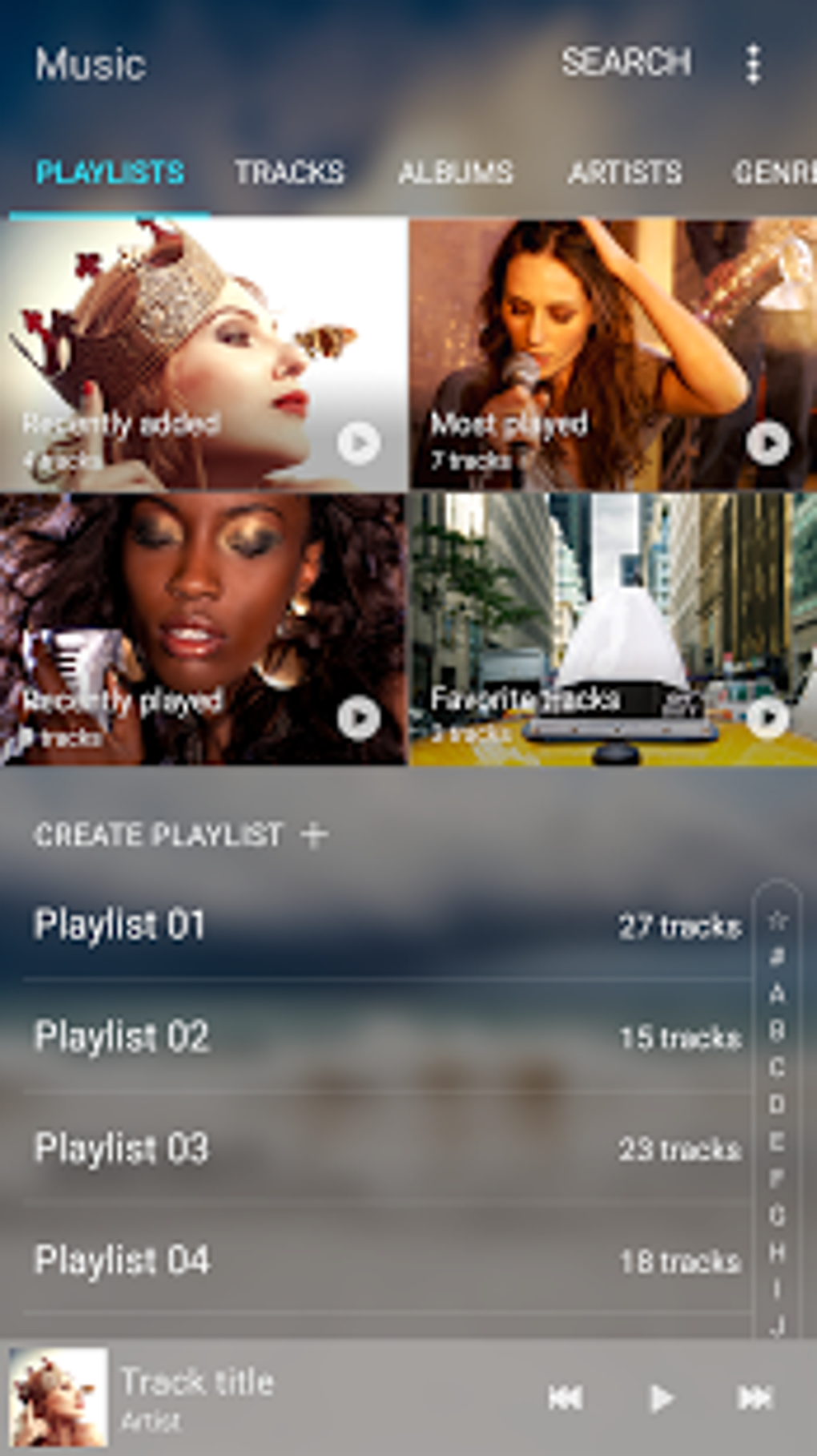
Samsung Music features a clean, user-centric interface with a home screen that highlights recently played tracks, frequently listened-to artists, and saved playlists. Navigation is structured around intuitive tabs and menus, allowing users to switch between library, playlists, and Spotify content with minimal effort. The app’s workflow is designed for efficiency—adding songs to playlists, searching for tracks, and managing file sources are all accessible through straightforward touch interactions.
While the developer did not specify resource usage details, the app is built for Android devices and is expected to operate within standard performance parameters for a media player. Stability and responsiveness are assumed to be consistent with Samsung’s typical software standards. The app does not report any known crashes or memory leaks based on available information. Performance observations are based on general software behavior patterns. Users on supported Samsung devices should experience smooth playback and minimal lag during navigation.
Compatibility & System Requirements
Samsung Music is designed exclusively for Samsung Android devices. The application is available as an APK file, which suggests it is intended for installation on Android smartphones and tablets. The developer did not specify exact system requirements, including minimum Android version, RAM, or CPU specifications. Installation size and hardware compatibility details were not listed.
Compatibility information is limited to the device ecosystem. The app supports audio file reading from SD cards, indicating it can access external storage. Voice control functionality is confirmed for select models such as Galaxy S4, Note3, and Note4. However, the full functionality of Spotify integration may be restricted on non-Samsung devices due to lack of ecosystem integration. The developer did not provide information on cross-platform availability or support for non-Samsung Android devices.
Pros and Cons
Pros
- Wide support for audio formats including FLAC, MP3, WMA, and AAC.
- Intuitive interface with quick access to recent and favorite content.
- Seamless Spotify integration for expanded music discovery.
- Efficient playlist creation and reordering via drag-and-drop.
- Supports external SD card storage for large music libraries.
- Hands-free voice control on select Samsung models.
Cons
- Primarily optimized for Samsung devices; limited functionality on other Android phones.
- Spotify integration requires a Premium subscription for full access.
- Exact system requirements and performance data were not specified.
- Not available through official app stores for non-Samsung devices.
- Limited information on advanced audio features like equalizers or audio enhancements.
FAQ Section
Is Samsung Music available for all Android devices?
Samsung Music is primarily designed for Samsung Android devices. While it may be installed on other Android phones via APK, full functionality and compatibility are not guaranteed.
Can I use Samsung Music without a Spotify account?
Yes, you can use Samsung Music to play local audio files without a Spotify account. However, access to Spotify’s library and recommendations requires a Spotify Premium subscription.
Does Samsung Music support FLAC files?
Yes, Samsung Music supports FLAC, along with MP3, WMA, and AAC formats, offering high-quality audio playback for audiophiles.
Is Samsung Music free to download and use?
Yes, Samsung Music is available as a free multimedia app. Additional features like Spotify integration may require a subscription to Spotify Premium.
Can I manage my music library on an SD card?
Yes, Samsung Music supports reading and playing audio files stored on external SD cards, allowing for expanded music storage capacity.
Final Thoughts
Samsung Music stands out as a reliable, feature-rich audio player tailored specifically for Samsung device users. Its combination of format flexibility, smart organization, and Spotify integration delivers a compelling experience for managing and enjoying music. The intuitive interface and efficient workflow make it easy to navigate large libraries and discover new tracks. While the app is limited in availability outside Samsung’s ecosystem, it remains a strong choice for users invested in the brand’s mobile platform.
For Samsung owners seeking a seamless, all-in-one music solution, Samsung Music offers both functionality and convenience. Whether organizing personal collections or exploring curated playlists, the app enhances the listening journey. Download Samsung Music now.





.png)

